Troubleshooting · App
The HearLink 2 app shows only one hearing aid
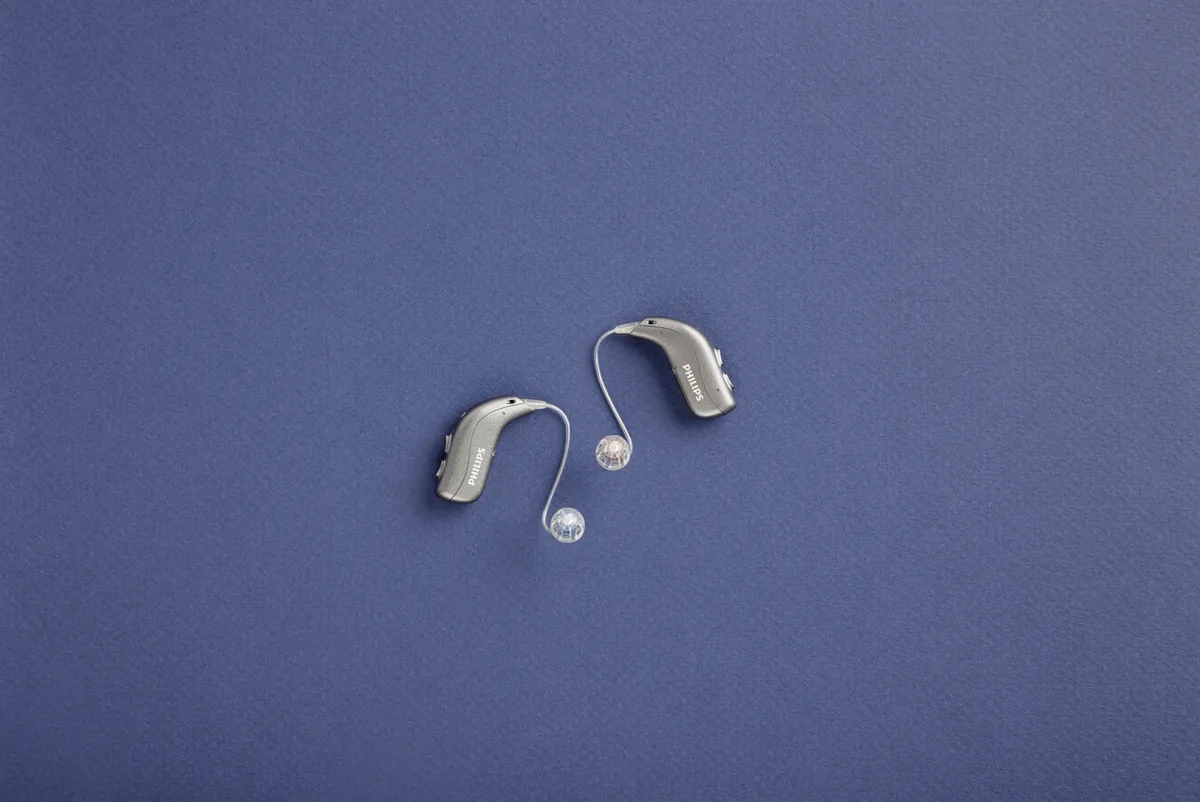
G-Sound is an authorized marketer of Philips hearing aids. Kol Echad (קול אחד) — an authorized marketer through authorized agents nationwide. At G-Sound: help, fitting, accessories, first-line support and coordination of repairs for Philips HearLink hearing aids, nationwide. When a laboratory check is needed, G-Sound coordinates further treatment with the authorized service laboratory for Philips and Oticon in Ramat Gan.
You open the app and see only one of your two hearing aids? This is a familiar situation. Here is how to check it, in order.
Why it happens, according to Philips
Philips explains that when the app shows only one hearing aid, one of them may be disconnected. In the troubleshooting table of the instructions for use, too, one cause of a pairing problem is that only one hearing aid is paired. In other words, the app usually does not "forget" the hearing aid. It simply is not getting a connection from it.
Check 1: is the missing hearing aid on and charged?
This is the first check, because a hearing aid with a flat battery will not appear in the app. According to Philips, fast, continuous orange flashes of the light indicate a low battery. Three alternating tones warn that the battery is about to run out, and four descending tones mean it has run out. Place the hearing aid in the charger, take it out, and check that the light is green. If it does not switch on after charging, see rechargeable and charging.
Check 2: Bluetooth on the phone
According to Philips, turn Bluetooth off in the phone settings and on again. Often that is enough for the second hearing aid to reconnect.
Check 3: both hearing aids are paired
Philips recommends making sure both hearing aids are paired with the phone:
- On iPhone: according to Philips, pairing is complete when both hearing aids appear under MFI HEARING DEVICES, in Settings > Accessibility > Hearing Devices.
- On Android: pairing is done in the HearLink 2 app. Check that you selected both hearing aids when they appeared on the screen.
Check 4: pairing again, in order
If the hearing aid is still missing, Philips suggests four steps in the troubleshooting table: unpair, turn Bluetooth on the phone off and on, turn the hearing aids off and on, and pair again. Pairing instructions for each type of phone are in the guide Bluetooth and phone.
When it is no longer an app problem
Check the missing hearing aid in the ear too. If it plays sound as usual, the problem is probably the phone connection, and the checks above apply. If it makes no sound at all, according to the Philips troubleshooting table the common cause is a flat battery, so charge it. If the sound is weak or muffled, the cause may be a blocked dome, Grip Tip or filter, and you replace them. In these cases see troubleshooting and support and care and cleaning.
What to note before you contact us
- Which hearing aid is missing in the app. According to Philips, a red mark indicates the right hearing aid and a blue mark the left.
- Since when it has been happening, and whether it started after a phone change or an update.
- The phone model and operating system version.
- Whether the missing hearing aid plays sound in the ear.
- Which checks from the list you have already done.
With these details it is easier to understand whether it is a connection issue, charging, or a need for a further check.
All Philips HearLink pages
- Philips HearLink: series page
- HearLink 50 levels and styles
- HearLink 9050
- HearLink 7050
- HearLink 5050
- HearLink 3050
- miniRITE R style
- miniBTE R style
- How to choose and start
- Who HearLink suits
- Philips or Oticon: how to choose
- How visible on the ear
- SoundMap 3 and background noise
- Online hearing test: what it checks
- Fitting and follow-up
- Upgrading from an older Philips
- App, Bluetooth and phone
- Not connecting to iPhone
- Not connecting to Android
- The HearLink button
- TV with HearLink
- HearLink AudioClip
- Accessories and chargers
- Rechargeable and charging
- Charger or Charger Plus
- Care, filters and wax
- Consumable parts
- Troubleshooting and support
- A fault: what to do
- Philips service at G-Sound
- Questions and answers
- Guide for caregivers
- Assisted living and institutions
Product information sources
- Philips — the app shows only one hearing aid · checked 20.10.2026
- Philips — HearLink 50 miniRITE (product page; instructions for use and technical data are available there) · checked 20.10.2026
- Philips — pairing hearing aids with iPhone · checked 20.10.2026
- Philips — pairing hearing aids with Android · checked 20.10.2026
- Philips — HearLink 2 app · checked 20.10.2026
G-Sound is not the Philips website. Philips is a trademark of Koninklijke Philips N.V. Product information is shown only where it appears in Philips materials; compatibility, style and fit are checked for each customer.
Updated 1 November 2026 · Written by the G-Sound editorial team. Product information is as published by Philips; it does not replace a hearing test or medical advice.
More in English
Frequently asked questions
Questions and answers
Why does the HearLink 2 app show only one hearing aid?
According to Philips, one of the hearing aids may be disconnected. Turn Bluetooth on the phone off and on, and check that both hearing aids are paired with the phone.
What is the first check?
Check that the missing hearing aid is charged and on. Place it in the charger, take it out, and check that the light is green. A hearing aid with a flat battery will not appear in the app.
How do I know both hearing aids are paired with my iPhone?
According to Philips, pairing is complete when both hearing aids appear under MFI HEARING DEVICES, in Settings, Accessibility, Hearing Devices.
The missing hearing aid makes no sound either. What does that mean?
Then the problem is probably not the app. According to the Philips troubleshooting table, the common cause is that the hearing aid is not charged. If the sound is weak or muffled, check the dome, Grip Tip and filter. If that does not help, contact us.
What if pairing again did not help?
Contact G-Sound by phone or WhatsApp on 055-3333338, and tell us which hearing aid is missing, your phone model and what has been checked. When a laboratory check is needed, G-Sound coordinates further treatment with the authorized service laboratory for Philips and Oticon in Ramat Gan.
Please do not send sensitive medical information in a message. We go over the relevant details on the phone.
Questions about Philips HearLink?
Tell us briefly what matters to you, and we will help you work out what fits. Service is by appointment.
Call G-Sound about a Philips HearLink hearing aid.
055-3333338