Checks at home · Support at G-Sound · Coordinating next steps
A fault in Philips HearLink: what to do, and where it goes next
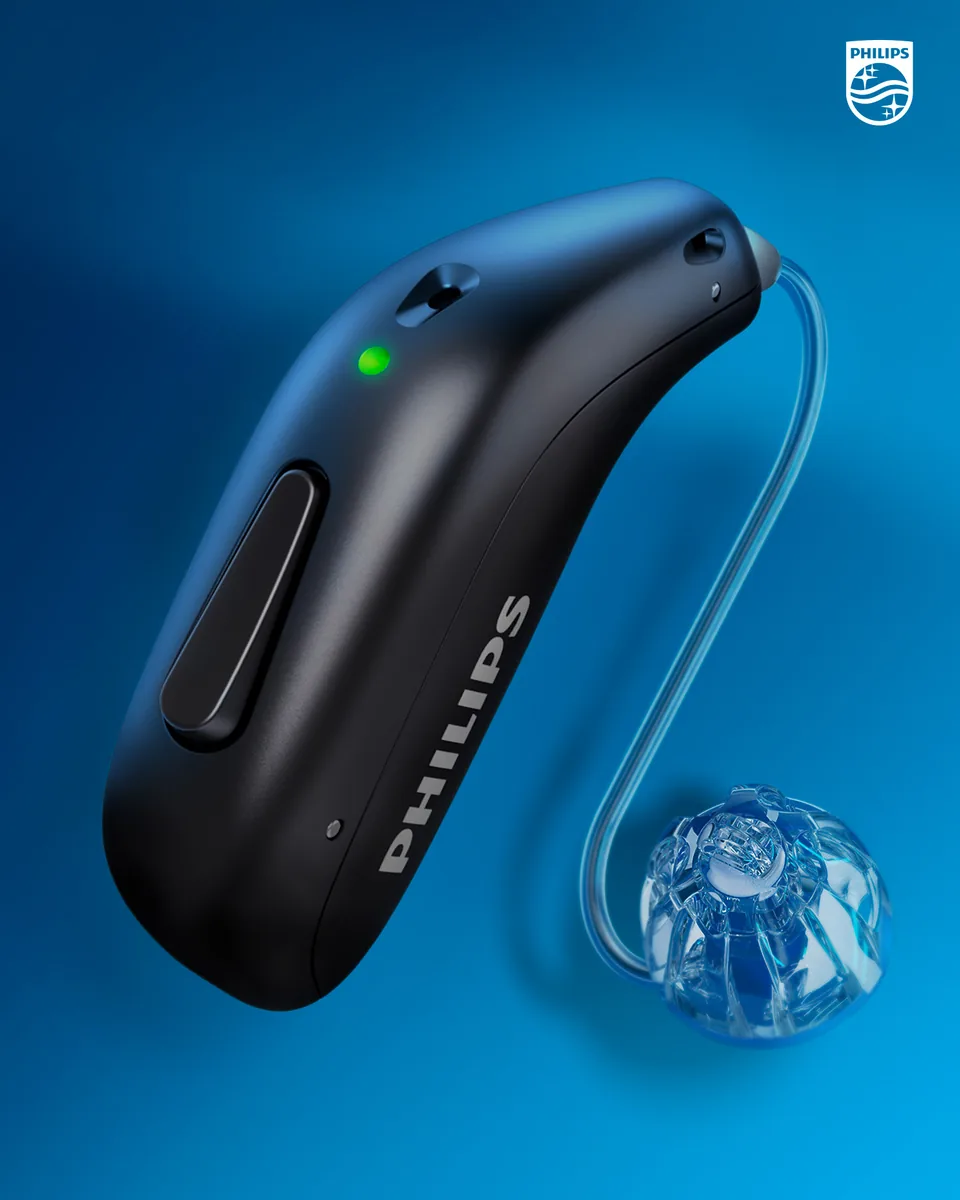
G-Sound is an authorized marketer of Philips hearing aids. Kol Echad (קול אחד) — an authorized marketer through authorized agents nationwide. At G-Sound: help, fitting, accessories, first-line support and coordination of repairs for Philips HearLink hearing aids, nationwide. When a laboratory check is needed, G-Sound coordinates further treatment with the authorized service laboratory for Philips and Oticon in Ramat Gan.
A clear path for a fault in a Philips HearLink hearing aid: what to check safely at home, what to check with us, and what happens when the fault cannot be solved with us.
Step 1: safe checks at home
| What is happening | What to check, according to Philips | Did not help? |
|---|---|---|
| No sound at all | According to Philips, the common cause is a hearing aid that is not charged: charge it. Switch on with a press of about two seconds on the button, or take it out of the charger. | Contact G-Sound |
| The hearing aid does not charge | The charger is plugged in, the hearing aids sit correctly, the charging surfaces are clean and dry, and the charger matches the style. | Contact G-Sound |
| Weak or muffled sound | According to Philips, a blocked sound outlet is a common cause: replace the filter, dome or Grip Tip. | Contact G-Sound |
| Does not connect to the phone | According to Philips: unpair, turn Bluetooth and the hearing aids off and on, and pair again. | Contact G-Sound |
| Whistling | According to Philips, whistling can come from an earpiece that was not inserted correctly: insert it again. | Contact G-Sound |
| The hearing aid got wet | According to Philips, wipe it gently and let it dry, without heat. | Contact G-Sound |
The full list, by symptom: troubleshooting and support. For the phone: iPhone · Android · the app shows one hearing aid.
What not to do
- Do not open the hearing aid or the charger.
- Do not dry it with a hair dryer, in an oven or in a microwave.
- Do not clean it with solvents or harsh substances.
- Do not insert sharp objects into the openings of the hearing aid.
Step 2: contact G-Sound
By phone or WhatsApp on 055-3333338. All Philips requests come to G-Sound first, as an authorized marketer of Philips hearing aids. Tell us:
- the model and style, if known;
- which ear, what is happening and since when;
- what you have already checked from the table;
- a photo of the hearing aid or the charger on WhatsApp, if possible.
Step 3: finding out and basic checks with us
At G-Sound we find out what is happening and check the basics: charging and charger, phone connection and app, filter, dome and wax, and daily operation. Many everyday faults are solved at this stage.
Step 4: when the fault is not solved
When a laboratory check is needed, G-Sound coordinates further treatment with the authorized service laboratory for Philips and Oticon in Ramat Gan. That laboratory is separate from G-Sound: G-Sound is not the authorized Philips laboratory. We do not promise a repair, an outcome or a turnaround time in advance, and each case is assessed on its own. Questions about the next steps: contact us.
All Philips HearLink pages
- Philips HearLink: series page
- HearLink 50 levels and styles
- HearLink 9050
- HearLink 7050
- HearLink 5050
- HearLink 3050
- miniRITE R style
- miniBTE R style
- How to choose and start
- Who HearLink suits
- Philips or Oticon: how to choose
- How visible on the ear
- SoundMap 3 and background noise
- Online hearing test: what it checks
- Fitting and follow-up
- Upgrading from an older Philips
- App, Bluetooth and phone
- Not connecting to iPhone
- Not connecting to Android
- App shows only one hearing aid
- The HearLink button
- TV with HearLink
- HearLink AudioClip
- Accessories and chargers
- Rechargeable and charging
- Charger or Charger Plus
- Care, filters and wax
- Consumable parts
- Troubleshooting and support
- Philips service at G-Sound
- Questions and answers
- Guide for caregivers
- Assisted living and institutions
Product information sources
- Philips — HearLink 50 miniRITE (product page; instructions for use and technical data are available there) · checked 20.10.2026
- Philips — Charger · checked 20.10.2026
- Philips — Charger Plus · checked 20.10.2026
G-Sound is not the Philips website. Philips is a trademark of Koninklijke Philips N.V. Product information is shown only where it appears in Philips materials; compatibility, style and fit are checked for each customer.
Updated 1 November 2026 · Written by the G-Sound editorial team. Product information is as published by Philips; it does not replace a hearing test or medical advice.
More in English
Frequently asked questions
Questions and answers
Does G-Sound repair Philips hearing aids?
G-Sound gives first-line support: finding out what is wrong, basic checks, charging, connection and app, filters, domes and wax. When a laboratory check is needed, G-Sound coordinates further treatment with the authorized service laboratory for Philips and Oticon in Ramat Gan.
Is the authorized Philips laboratory part of G-Sound?
No. The authorized Philips laboratory is separate from G-Sound. G-Sound is an authorized marketer of Philips hearing aids, and every request starts with us.
What should I check before contacting you?
That the hearing aid is charged and on, the charger is plugged in, Bluetooth on the phone is on, and there is no wax on the dome or the filter.
What should I tell G-Sound when I contact you about a fault?
The model and style, which ear, what is happening and since when, and what you have already checked. A photo of the hearing aid or the charger on WhatsApp helps.
When do I stop checking on my own?
When the basic checks did not help, when the hearing aid got wet, was dropped or sounds different from usual, or when it seems something needs to be opened. Do not open the hearing aid or the charger: contact G-Sound.
Please do not send sensitive medical information in a message. We go over the relevant details on the phone.
Questions about Philips HearLink?
Tell us briefly what matters to you, and we will help you work out what fits. Service is by appointment.
Call G-Sound about a Philips HearLink hearing aid.
055-3333338