Daily care · Filters · Domes · Wax
Care, filters and wax for Philips HearLink
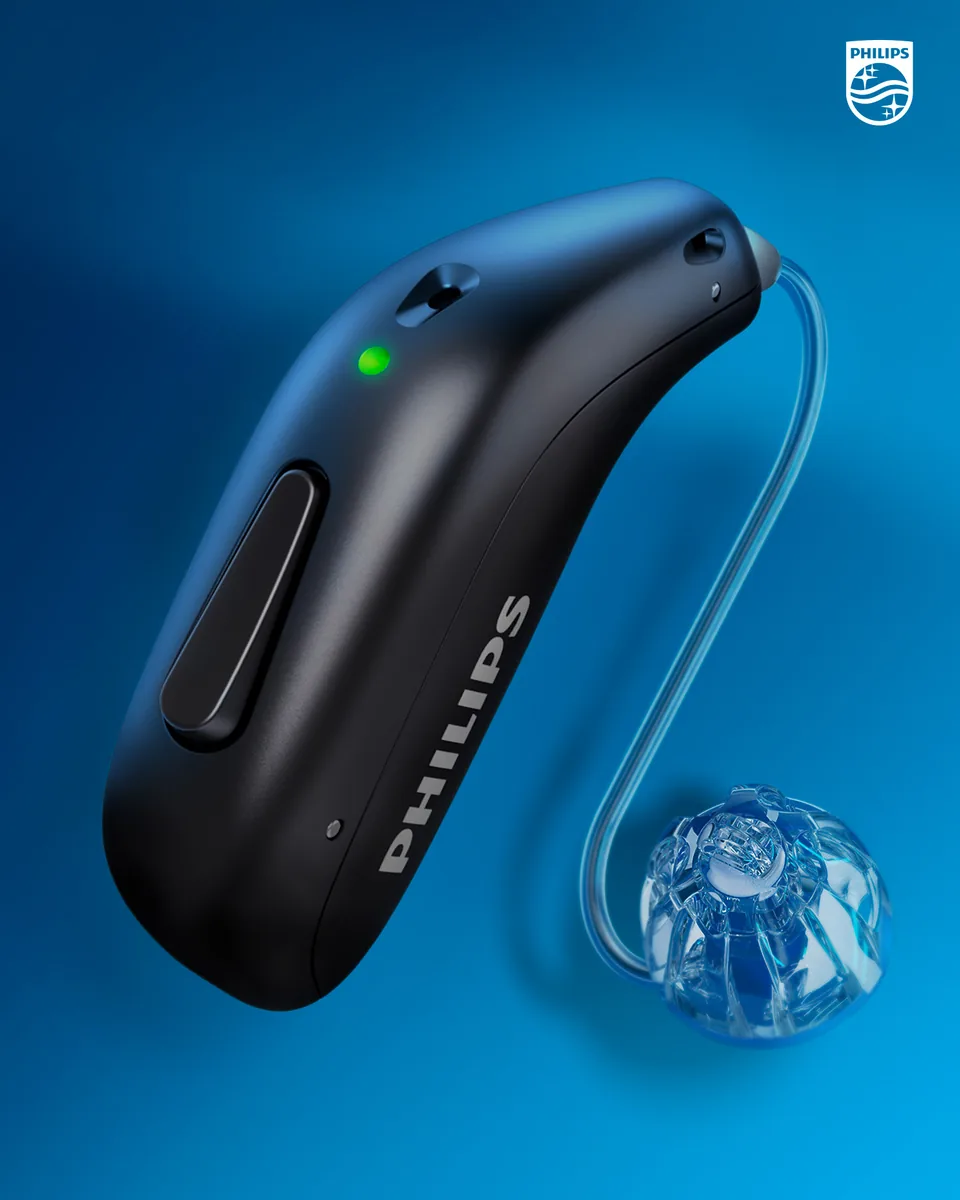
G-Sound is an authorized marketer of Philips hearing aids. Kol Echad (קול אחד) — an authorized marketer through authorized agents nationwide. At G-Sound: help, fitting, accessories, first-line support and coordination of repairs for Philips HearLink hearing aids, nationwide. When a laboratory check is needed, G-Sound coordinates further treatment with the authorized service laboratory for Philips and Oticon in Ramat Gan.
A short routine that helps the hearing aids stay clean and working. The binding instructions for each model are in the Philips instructions for use.
A daily routine: two minutes
- At the end of the day, wipe the hearing aids with a soft, dry cloth. This is what Philips recommends.
- Look at the dome or the tip of the tube: is there wax or dirt on it?
- According to Philips, clean the microphone openings with the brush of the cleaning tool (MultiTool), gently and without pushing it in.
- Place the hearing aids in the charger when they are dry and clean.
Do not use water, cleaning products or solvents on the hearing aid. According to Philips, you must not rinse the hearing aids or immerse them in liquid.
The wax filter
According to the Philips instructions for use, replace the ProWax miniFit filter when it is blocked or when the hearing aid does not sound as usual, and always use the same type of filter supplied with the hearing aid. If you have a custom earpiece or a LiteTip, according to Philips the filter is changed by a professional.
Changing the ProWax miniFit filter on HearLink 50 miniRITE R, step by step
These instructions are taken from the Philips instructions for use for HearLink 50 miniRITE R, and apply to the ProWax miniFit filter in the speaker when the speaker has a dome or a Grip Tip. They do not apply to miniBTE R, or to a custom earpiece or LiteTip. With a custom earpiece the filter is changed by a professional.
Before changing it, remove the dome or the Grip Tip from the speaker.
- Take the tool out of the case. The tool has two ends: an empty end for removing the old filter, and an end carrying the new filter.
- Insert the empty end into the filter in the speaker, and pull it out.
- Insert the new filter with the other end. Remove the tool and throw it away.
According to Philips, change the filter at least once a month. If you are not sure which filter fits, or the change does not work, you can contact us: 055-3333338.
Wax: what to do and what not to do
- According to the Philips troubleshooting table, a common cause of weak or muffled sound is a blocked sound outlet: replace the filter, dome or Grip Tip.
- According to Philips, a dome full of wax is not cleaned but replaced with a new one.
- Do not insert sharp objects into the openings of the hearing aid.
- Sound still muffled after the change? Contact G-Sound.
When to replace each part, and how to order: consumable parts for Philips HearLink.
Domes
The dome is the soft part at the end of the speaker, inside the canal. According to Philips, the dome itself is not cleaned: if it is full of wax, replace it with a new one, and replace the Grip Tip at least once a month. The type and size of dome are chosen at the fitting. General information: hearing aid domes and filters.
On miniBTE R: tube or hook
On the miniBTE R style the sound travels through a tube or a hook. Check from time to time that the tube is not blocked, cracked or hardened. A tube is replaced according to the manufacturer's instructions or by a professional.
The charger
- Keep the charger in a dry place, not near a sink, bath or stove.
- Leave the desktop charger plugged in.
- According to Philips, clean the charging surfaces with a dry cloth.
- According to Philips, wipe moisture off the hearing aids before placing them in the charger.
More about chargers: rechargeable and charging.
Moisture, heat and storage
According to Philips, HearLink 50 miniRITE is rated IP68, and still, according to the instructions for use, the hearing aids are not worn in the shower or during water activities. Philips warns against extreme heat and recommends not leaving the hearing aids in the sun by a window or in a car, even when they are in the charger. Do not dry a hearing aid with a hair dryer or in an oven. When the hearing aids are not in your ears, their place is in the charger.
When to contact G-Sound
If the sound stays weak after cleaning and changing the filter, if the hearing aid does not charge, or if there is a change the instructions for use do not explain, contact us. All Philips requests come to G-Sound first: sales, accessories, questions, first-line support, the app, filters, wax and daily operation. When a laboratory check is needed, G-Sound coordinates further treatment with the authorized service laboratory for Philips and Oticon in Ramat Gan. Basic checks before contacting us: troubleshooting and support · what happens next when there is a fault: a fault: what to do.
For families, caregivers and staff: guide for caregivers · Philips HearLink in assisted living and institutions.
All Philips HearLink pages
- Philips HearLink: series page
- HearLink 50 levels and styles
- HearLink 9050
- HearLink 7050
- HearLink 5050
- HearLink 3050
- miniRITE R style
- miniBTE R style
- How to choose and start
- Who HearLink suits
- Philips or Oticon: how to choose
- How visible on the ear
- SoundMap 3 and background noise
- Online hearing test: what it checks
- Fitting and follow-up
- Upgrading from an older Philips
- App, Bluetooth and phone
- Not connecting to iPhone
- Not connecting to Android
- App shows only one hearing aid
- The HearLink button
- TV with HearLink
- HearLink AudioClip
- Accessories and chargers
- Rechargeable and charging
- Charger or Charger Plus
- Consumable parts
- Troubleshooting and support
- A fault: what to do
- Philips service at G-Sound
- Questions and answers
- Guide for caregivers
- Assisted living and institutions
Product information sources
- Philips — Instructions for use, HearLink 50 miniRITE R (293523UK) · checked 27.10.2026
- Philips — HearLink 50 miniRITE (product page; instructions for use and technical data are available there) · checked 20.10.2026
- Philips — Charger · checked 20.10.2026
G-Sound is not the Philips website. Philips is a trademark of Koninklijke Philips N.V. Product information is shown only where it appears in Philips materials; compatibility, style and fit are checked for each customer.
Updated 1 November 2026 · Written by the G-Sound editorial team. Product information is as published by Philips; it does not replace a hearing test or medical advice.
More in English
Frequently asked questions
Questions and answers
How often do I change the filter?
According to the Philips instructions for use, change the filter when it is blocked or when the hearing aid does not sound as usual, and always with the same type of filter supplied with the hearing aid.
Can I clean the hearing aid with water or alcohol?
No. According to Philips, clean with a soft, dry cloth, and do not rinse the hearing aids or immerse them in water or any other liquid.
Do I clean the dome?
According to Philips, the dome is not cleaned. If it is full of wax, replace it with a new one.
Do I need to take the hearing aids off before a shower?
Yes. According to the Philips instructions for use, the hearing aids are not worn in the shower or during water activities, and you wipe moisture off them before charging.
Does G-Sound help with changing filters and domes?
Yes. Filters, domes and wax are part of G-Sound first-line support. Call or WhatsApp us on 055-3333338.
Where do I keep the hearing aids at night?
In the charger, dry and clean. That way they also charge for the next day. Keep the charger in a dry place away from heat.
Please do not send sensitive medical information in a message. We go over the relevant details on the phone.
Questions about Philips HearLink?
Tell us briefly what matters to you, and we will help you work out what fits. Service is by appointment.
Call G-Sound about a Philips HearLink hearing aid.
055-3333338