Pairing Philips hearing aids with iPhone
For: Philips HearLink with Bluetooth
Official Philips video, shown from YouTube. Captions (CC) can be turned on in the player.
Full guide →G-Sound Care
Short, practical guides for cleaning, common problems and phone pairing, in English. If a guide does not solve it, message us and we will help you personally.

Pick a topic and go straight to the guides.
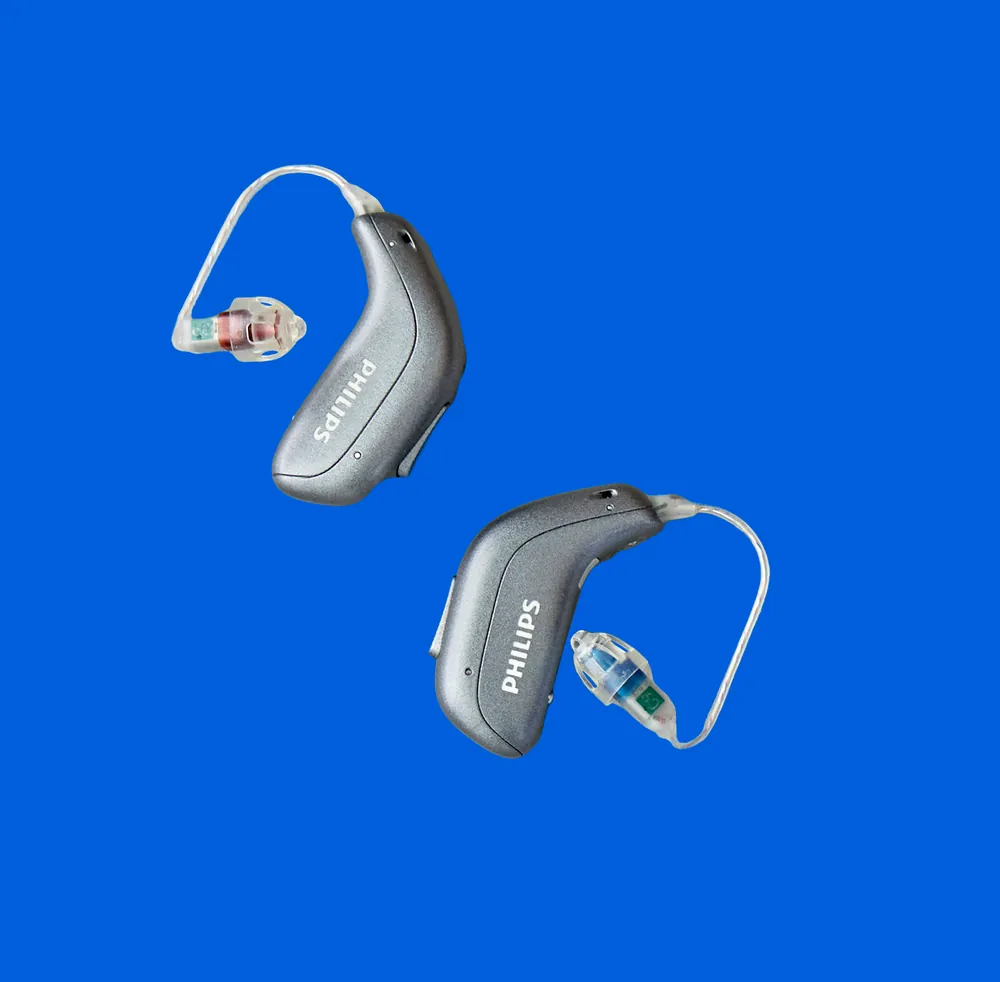
Daily cleaning, wax filters, domes and charging.
8 guides →Pictured: Philips HearLink 60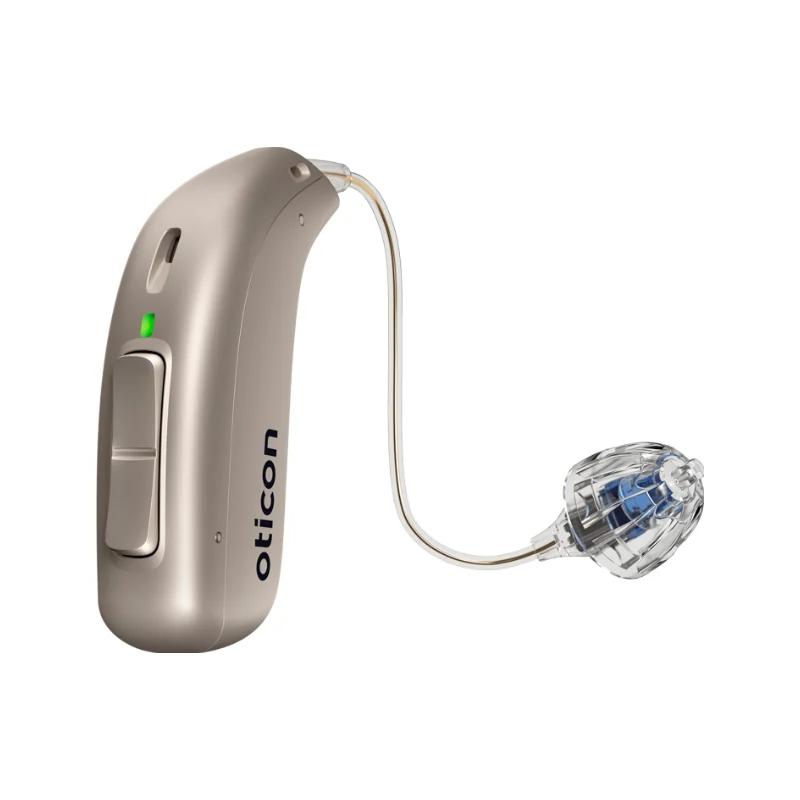
Weak, silent or whistling? Start with the simple, safe checks.
6 guides →Pictured: Oticon Real
Pairing, apps and calls on iPhone and Android.
8 guides →Pictured: Philips HearLink NXT
When to send it in, what can be fixed and how it works.
5 guides →Pictured: illustrationUsually a blocked dome or wax filter. Safe checks first.
How to clean the hearing aid and the receiver.
How and when to change them.
Checks from simple to full re-pairing.
Lights, charging time and what to check.
What to prepare so the repair goes faster.
12 short videos from the official Philips and Oticon channels, each matched to a model family and linked to the full guide. A video loads only when you tap it.
For: Philips HearLink with Bluetooth
Official Philips video, shown from YouTube. Captions (CC) can be turned on in the player.
Full guide →For: Philips HearLink with Bluetooth
Official Philips video, shown from YouTube. Captions (CC) can be turned on in the player.
Full guide →For: Oticon hearing aids with Bluetooth
Official Oticon video, shown from YouTube. Captions (CC) can be turned on in the player.
Full guide →For: Oticon hearing aids with Bluetooth
Official Oticon video, shown from YouTube. Captions (CC) can be turned on in the player.
Full guide →For: Philips rechargeable miniRITE
Official Philips video, shown from YouTube. Captions (CC) can be turned on in the player.
Full guide →For: Philips HearLink 50 with Charger Plus
Official Philips video, shown from YouTube. Captions (CC) can be turned on in the player.
Full guide →For: Philips HearLink behind-the-ear (miniRITE R / miniBTE R)
Official Philips video, shown from YouTube. Captions (CC) can be turned on in the player.
Full guide →For: Philips HearLink behind-the-ear
Official Philips video, shown from YouTube. Captions (CC) can be turned on in the player.
Full guide →For: Philips HearLink NXT
Official Philips video, shown from YouTube. Captions (CC) can be turned on in the player.
Full guide →For: Philips HearLink NXT
Official Philips video, shown from YouTube. Captions (CC) can be turned on in the player.
Full guide →For: Philips HearLink with the HearLink 2 app
Official Philips video, shown from YouTube. Captions (CC) can be turned on in the player.
Full guide →For: Oticon rechargeable miniRITE
Official Oticon video, shown from YouTube. Captions (CC) can be turned on in the player.
Full guide →Safety first: these guides cover only the safe checks the manufacturer describes. Do not open the hearing aid or use tools inside it. Pain, discharge, dizziness or a sudden drop in hearing need a doctor, not a guide. The lab work is done by a lab with 26 years of professional and laboratory experience in hearing aids.
Service by appointment, at the client's home, at the workplace and sometimes in the relevant everyday setting.
055-3333338