Desktop charger or SmartCharger
Choosing a charger by routine.
Desktop charger · SmartCharger · Lights · On and off
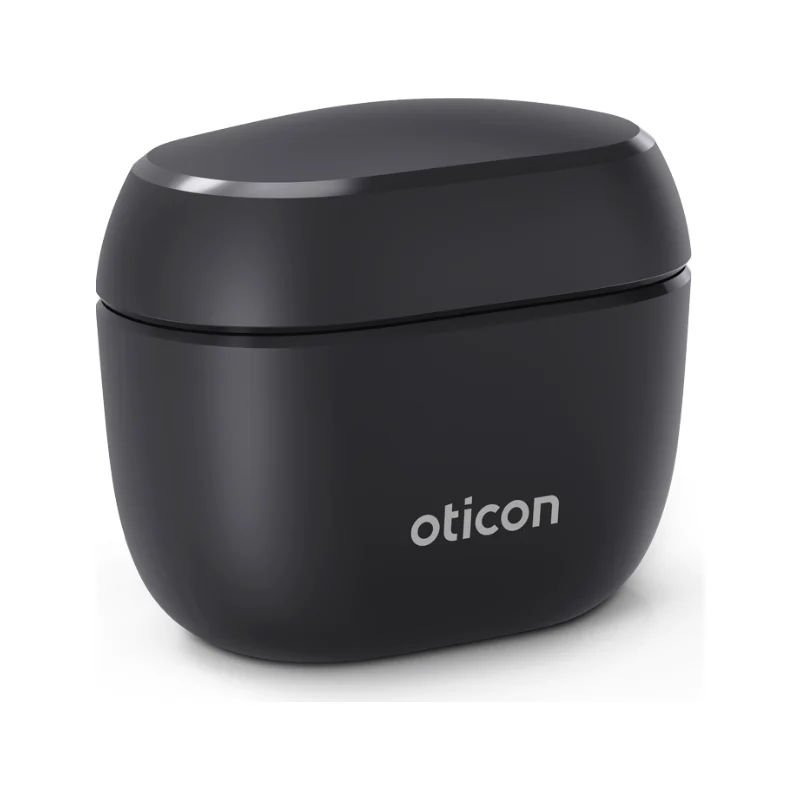
Short answers based on Oticon's charging page. Charger design and charging times vary by model, and the instructions for your model come first.
G-Sound offers Oticon hearing aids. Oticon is a trademark of its owner.
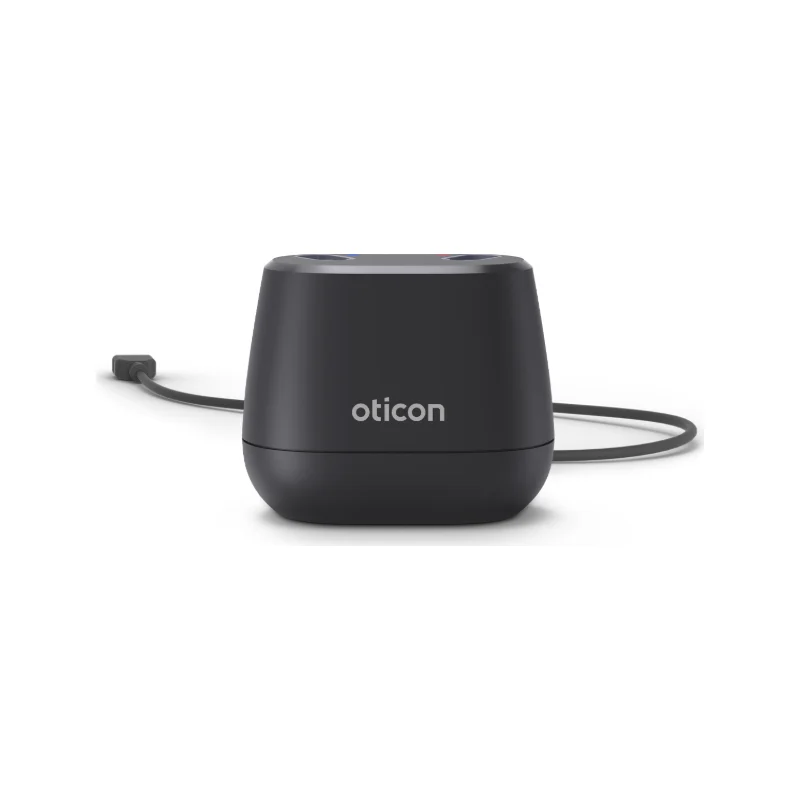
According to Oticon, the desktop charger works when it is plugged in. The SmartCharger is a portable charger with a lid and a built-in battery (a power bank), and it can also charge while plugged in. Your hearing care professional can help you choose. More about the chargers: Oticon accessories · Desktop charger or SmartCharger.
According to Oticon, switch on by pressing the button for about two seconds until the light is green, and switch off by pressing for about three seconds; the hearing aid plays four falling tones. A hearing aid without a button switches on only when you take it out of the charger, and switches off only when you place it in the charger.
General information for every brand: Rechargeable hearing aids · Accessories and connectivity. All model families: Oticon hearing aids in Israel.
The hearing aid does not charge, the light does not come on, or the battery lasts less than before? Call or message us on WhatsApp with the model name, the charger type and a short description. G-Sound offers Oticon hearing aids. Hearing tests, demonstrations, fitting, adjustments and follow-up at the customer's home, by appointment and as needed.
Choosing a charger by routine.
Chargers, ConnectClip and TV Adapter 3.0.
Safe checks before you call.
Behind the ear, rechargeable.
What to check before choosing.
General information based on Oticon's support pages as checked on the date shown. It does not replace the instructions for use of your model or a professional check. Oticon is a trademark of its owner.
Updated 1 November 2026 · Written by the G-Sound editorial team. Product information is as published by Oticon; suitability is decided after a hearing test.
Frequently asked questions
Yes. Oticon recommends charging overnight, and says there is no risk to the hearing aids if you leave them in the charger after they are charged.
According to Oticon, take the hearing aid out and place it in the charger again. A hearing aid that has not been used for a long time may start charging only after up to 30 seconds.
According to Oticon, a full SmartCharger battery can fully charge a pair of hearing aids at least three times.
According to Oticon, yes, if the port is USB 2.0 compliant and supplies at least 500mA. At a wall socket, use the original power supply.
According to Oticon, depending on the charger type, the hearing aids switch off or mute when placed in the charger, and switch on when taken out.
Please do not send sensitive medical information in a message. We go over the relevant details on the phone.
Send us the model and a short description, and we will help you work out the next step. Service is by appointment.
Call G-Sound about an Oticon hearing aid.
055-3333338G-Sound is an authorized marketer of Philips hearing aids.