Volume · Programs · Adjustment
Volume and programs on Philips HearLink: what you change yourself and what is set in an adjustment
Does the hearing aid sound too loud in the living room, too soft in conversation or wrong in front of the TV? Before pressing again and again, it is worth understanding what you can change yourself and what is set in an adjustment by a professional.
Two kinds of change
| Everyday change | Professional adjustment | |
|---|---|---|
| Who changes it | You | A professional, in the fitting software |
| With what | The button on the hearing aid or the HearLink 2 app, according to the manufacturer's guide | At a visit, by appointment |
| When it suits | A momentary adjustment to the setting you are in | A difficulty that keeps coming back, a situation that is regularly hard, a sound that does not feel right |
| What changes | What the hearing aid lets you change day to day | The basic settings and the programs |
Step 1: before you change anything
Often what sounds like "low volume" is something else altogether. Before turning it up, go through the list:
- The hearing aids are charged and switched on.
- The dome or tube is clean. How to clean: Cleaning a Philips hearing aid.
- The hearing aid sits correctly in the ear. General guide: How to insert and remove a hearing aid.
- You are in the program you meant to use, and not in a program chosen by mistake.
- If the problem is on one side only, check that side first.
Step 2: the button on the hearing aid
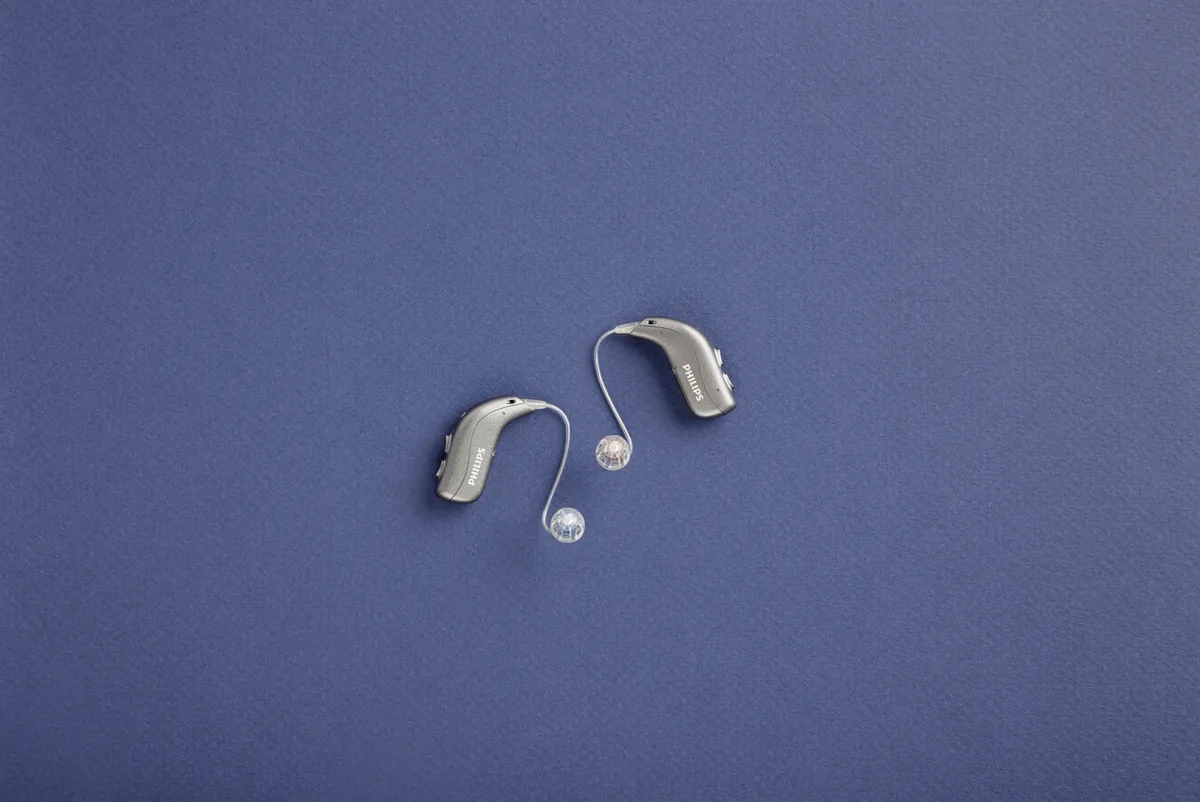
According to Philips documents, miniBTE R has a double button, and miniRITE R has a button that is also used to switch the hearing aid on. What a short press, a long press or a press on each side does is in the manufacturer's guide and depends on what was set for you at the fitting. A simple tip: at the end of the fitting, ask for a note listing what each press does, and keep it next to the charger in the first weeks.
Step 3: the HearLink 2 app
According to Philips documents, the app is listed for both styles. Which controls appear in it is in the manufacturer's guide. A few habits that help:
- Change one step at a time, and wait a few seconds before the next step.
- Try a program for a few minutes in the real situation, not just for a moment.
- If you have changed a lot and are not sure where you are, go back to the settings made at the fitting according to the manufacturer's guide, or contact us.
About the phone connection and the app: Philips HearLink: app, Bluetooth and phone.
Step 4: programs: what is worth knowing
A program is a set of settings suited to a certain setting. How many programs you have, and which, is decided at the fitting according to your routine. Ask for a short list: the program name, when to use it and how to switch to it. Is there a program you never use? Or a situation that has no suitable program? That is a topic for the next adjustment visit.
Step 5: when it is a matter for an adjustment
- You turn the volume up almost every day in the same situation.
- A certain voice regularly sounds sharp, muffled or unnatural.
- One side sounds different from the other even after cleaning and charging.
- The TV or calls are hard for you, even though the connection works.
In all these situations, another press only hides the problem. The adjustment is done in the fitting software, by a professional. What happens at follow-up visits: Fitting and follow-up for Philips HearLink.
If there is pain, discomfort that does not pass, or a sudden change in hearing, see a doctor.
A short diary before an adjustment visit
A few lines written during the week help much more than "sometimes it is weak". You can write it like this:
| When | Where | What you heard | What you changed | Did it help? |
|---|---|---|---|---|
| Friday, evening | Family meal | Hard to understand whoever sits at the end of the table | Turned it up twice | A little |
How G-Sound helps
G-Sound is an authorized marketer of Philips hearing aids. For a question about the button or the app, or to arrange an adjustment, contact us by phone or on WhatsApp. Mention the hearing aid model and what you wrote in the diary. The whole series is on the page Philips HearLink.
Related guides
- The Philips HearLink 2 app: installing and connecting.
- Turning Philips HearLink on, off and restarting: when the hearing aid does not respond.
- The wax filter in Philips HearLink: when the sound is weak or muffled.
- How to insert Philips HearLink in the ear: when the hearing aid does not sit right.
Product information sources
- Philips — HearLink 50 miniRITE · technical data 270403UK and user guide 273310UK · checked 14.10.2026
- Philips — HearLink 50 miniBTE R · technical data 285251UK · checked 14.10.2026
English version: 4 November 2026 · Written by the G-Sound editorial team. This is G-Sound's website, not a Philips website, and it is not operated by Philips. The information is general and does not replace a check-up or professional advice.
More in English
Frequently asked questions
Questions about volume and programs
How do I turn up the volume on Philips HearLink?
According to Philips documents, the hearing aids have a button, and the HearLink 2 app is listed for both styles. Exactly how to change the volume on each is in the manufacturer's guide and depends on what was set for you at the fitting.
How many programs does my hearing aid have?
This is decided at the fitting, according to your routine. Ask for a short list of the programs that were set, when to use each one and how to switch between them.
I turned it all the way up and it is still weak. What do I do?
Check that the hearing aid is charged, that the dome or tube is clean and that the hearing aid sits correctly in the ear. If it is still weak, do not keep turning it up: contact G-Sound to arrange an adjustment. If there is pain, discomfort that does not pass, or a sudden change in hearing, see a doctor.
One hearing aid sounds louder than the other. What should I check?
First cleaning, charging and correct insertion of the weaker side. If the difference remains, note when it is noticeable and contact G-Sound for a check and an adjustment.
I changed a lot of settings and I am not sure where I am. How do I go back?
Go back to the settings made at the fitting according to the manufacturer's guide. If that does not work, contact G-Sound by phone or on WhatsApp.
The hearing aids did not switch on when I took them out of the charger in the morning. What happened?
According to the Philips guide for miniRITE R, if the charger was disconnected from power or its battery ran out during charging, the hearing aids may switch off to save power. If they do not switch on when you take them out of the charger, switch them on with the button.
Please do not send sensitive medical information in a message. We go over the relevant details on the phone.
Need an adjustment?
G-Sound offers Philips and Oticon hearing aids. Tell us what happens and in which situation, and we will arrange the next step.
Tell us what happens and in which situation, and we will arrange the next step.
055-3333338