Oticon not connecting to the phone
Checks for iPhone and Android.
Bluetooth LE Audio · Auracast broadcasts · Oticon Companion
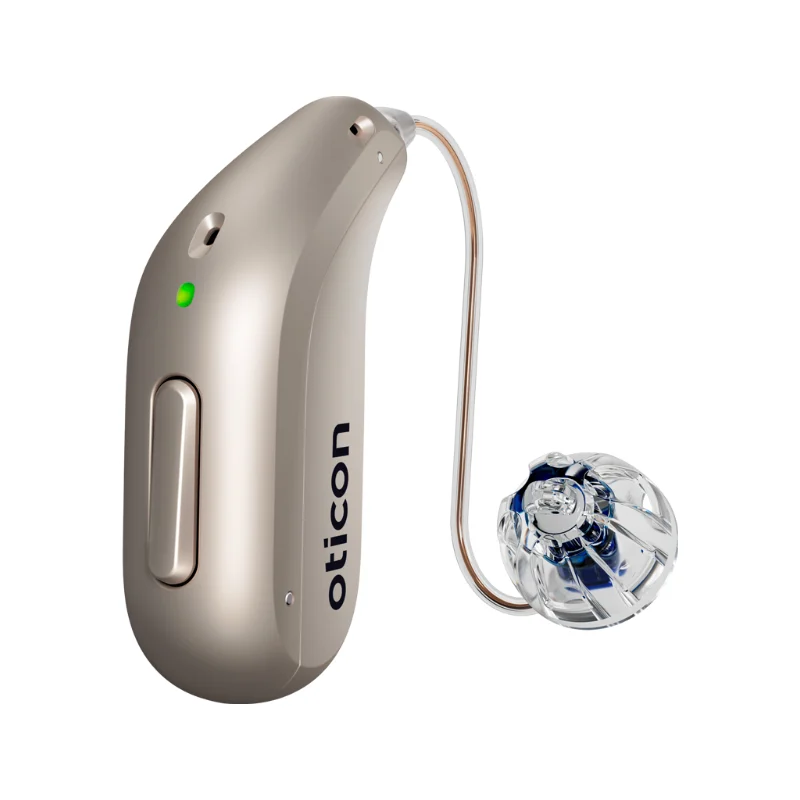
A summary of what appears on Oticon's support pages only. Oticon describes Auracast as a new technology that is still spreading across devices and manufacturers.
G-Sound offers Oticon hearing aids. Oticon is a trademark of its owner.
Oticon describes Auracast as a Bluetooth LE Audio broadcast you can listen to without pairing. The examples Oticon gives: announcements in public places, TV screens at an airport or a theatre, sound at conferences, and sharing music.
According to Oticon, Oticon hearing aids with Bluetooth LE Audio support are compatible with Auracast. Oticon refers you to its compatibility guide and to the Bluetooth SIG product finder to check your specific model. Send us the model name, and we will look together at what the Oticon sources say about it. Model families: Oticon hearing aids in Israel.
According to Oticon, pointing the phone camera at the code opens the broadcast screen in the app directly.
According to Oticon, on some Android phones with Bluetooth LE Audio and Android 15 or later, you can also join a broadcast from the Bluetooth settings, under Find an audio stream. The name of the option may differ by phone maker. On those phones you can also share sound from the phone to several devices at once, through Share audio. On iPhone, Oticon's support page describes joining through the app.
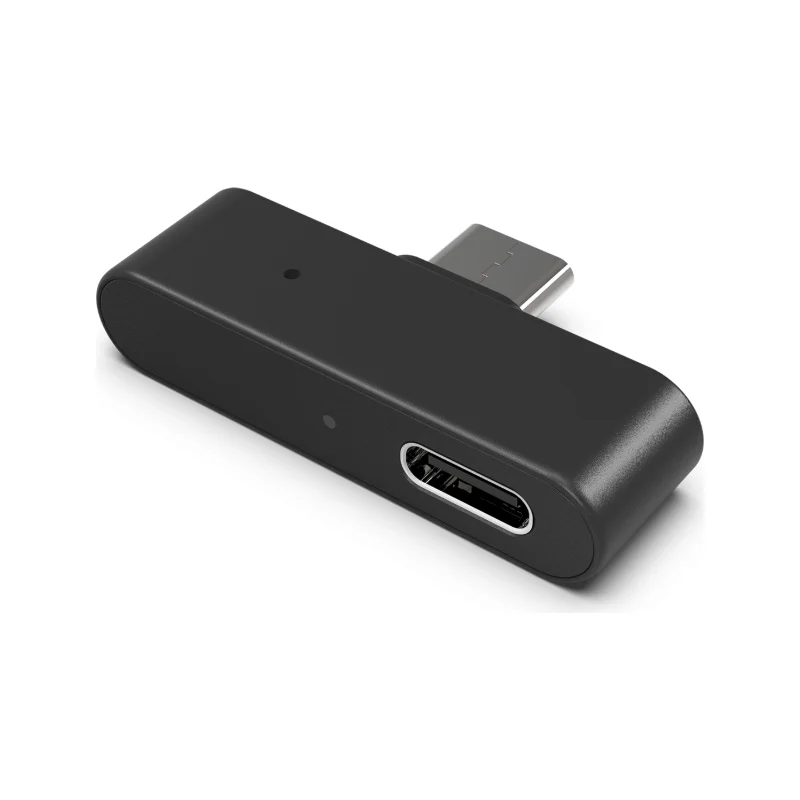
Streaming from a phone that does not support LE Audio: Oticon accessories. Phone connection checks: Oticon not connecting to the phone.
Want to check whether your model supports LE Audio, or need guidance setting up the app? Call or message us on WhatsApp with the hearing aid model and the phone model. G-Sound offers Oticon hearing aids. Hearing tests, demonstrations, fitting, adjustments and follow-up at the customer's home, by appointment and as needed.
Checks for iPhone and Android.
Chargers, ConnectClip and TV Adapter 3.0.
Behind the ear, rechargeable.
Phone compatibility, explained.
What can help.
General information based on Oticon's support pages as checked on the date shown. It does not replace the instructions for use of your model or a professional check. Oticon is a trademark of its owner.
Updated 1 November 2026 · Written by the G-Sound editorial team. Product information is as published by Oticon; suitability is decided after a hearing test.
Frequently asked questions
No. According to Oticon, unlike regular Bluetooth, listening to an Auracast broadcast does not need pairing. You do need to pair the hearing aids with the phone to use the app.
According to Oticon, hearing aids with Bluetooth LE Audio support are compatible with Auracast. Check the model in Oticon's compatibility guide, or send us the model name.
According to Oticon, joining through the Oticon Companion app needs Android 10 or later or iOS 15.2 or later. Joining and sharing from the phone settings is available on some Android phones with Android 15 or later.
According to Oticon, location services on the phone must be on, because Auracast uses location permission to find nearby broadcasts.
Please do not send sensitive medical information in a message. We go over the relevant details on the phone.
Send us the model and a short description, and we will help you work out the next step. Service is by appointment.
Call G-Sound about an Oticon hearing aid.
055-3333338G-Sound is an authorized marketer of Philips hearing aids.